Gallery by FooGallery - Complete Description
Category: Development • Platform: WordPress Plugins
Photo & Image Gallery
FooGallery makes it easy to create stunning photo and image galleries using drag and drop in minutes. It’s responsive, retina-ready, SEO-friendly, and optimized for performance. With beautiful pre-built layouts, a built-in lightbox, and advanced customization options, FooGallery is the perfect gallery solution for any WordPress website.
Launch Your Own FooGallery Demo (Backend included)
FooGallery provides live previews as you design your image galleries, and also integrates seamlessly with the WordPress block editor. It’s developer-friendly, performance-focused, and fully extendable.
Key Features
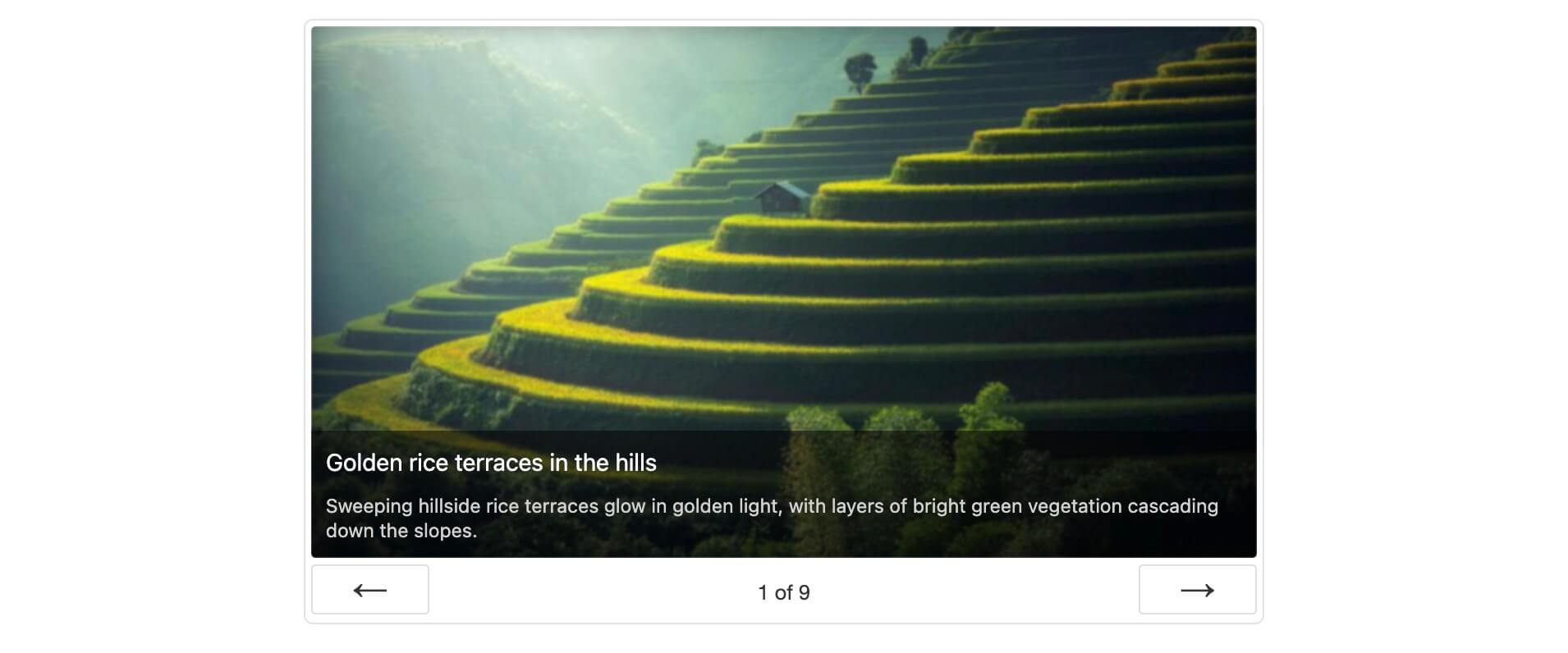
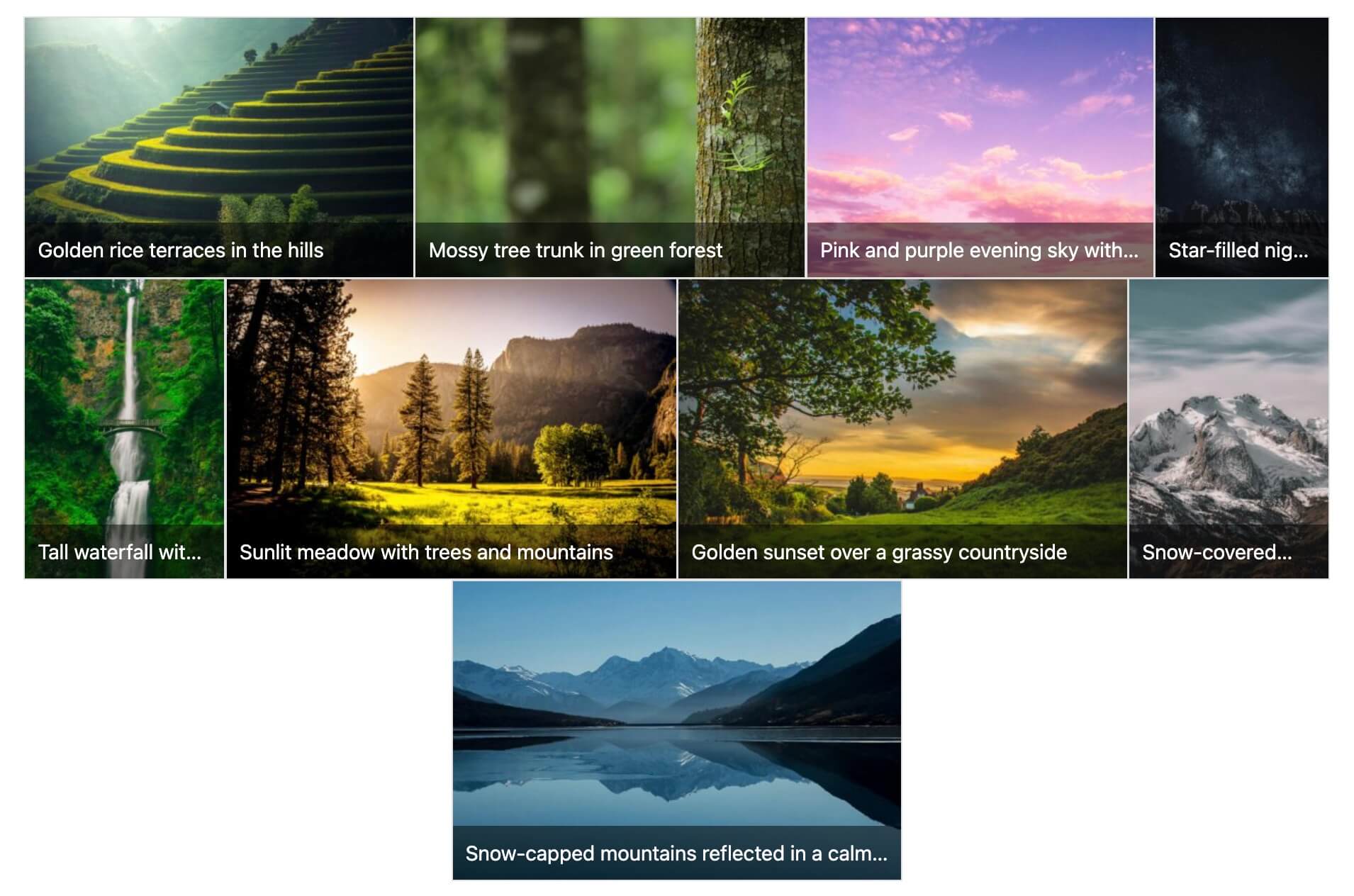
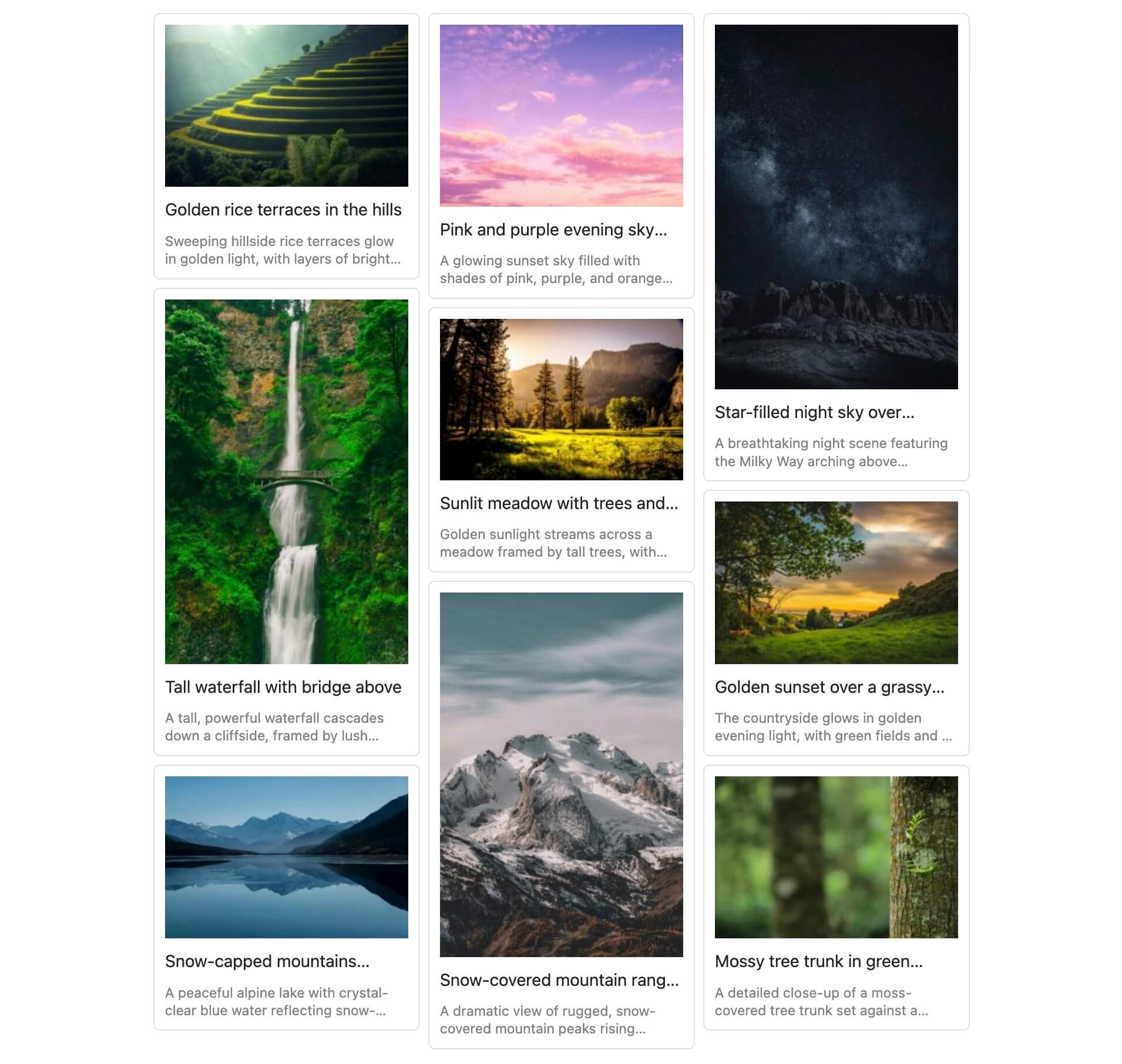
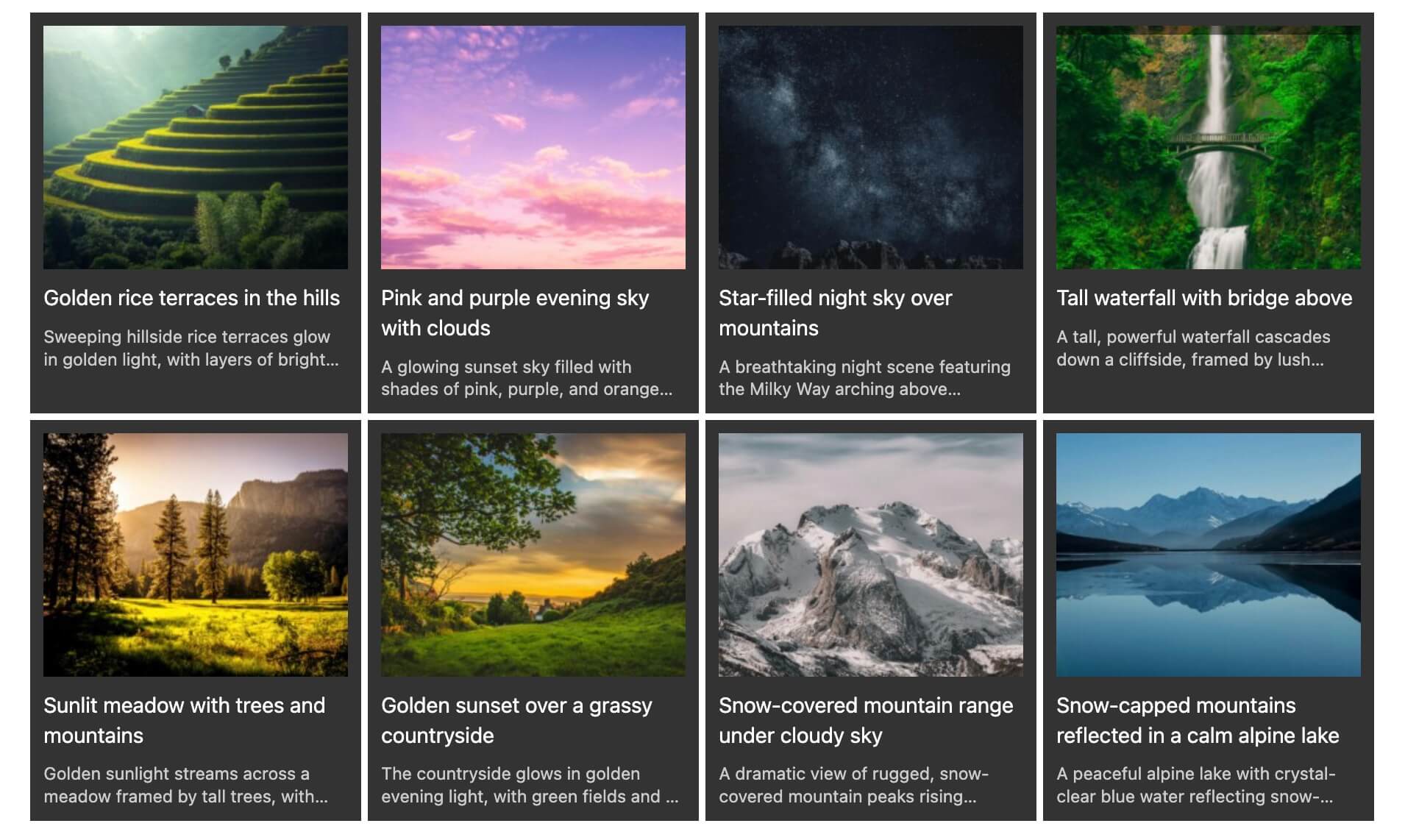
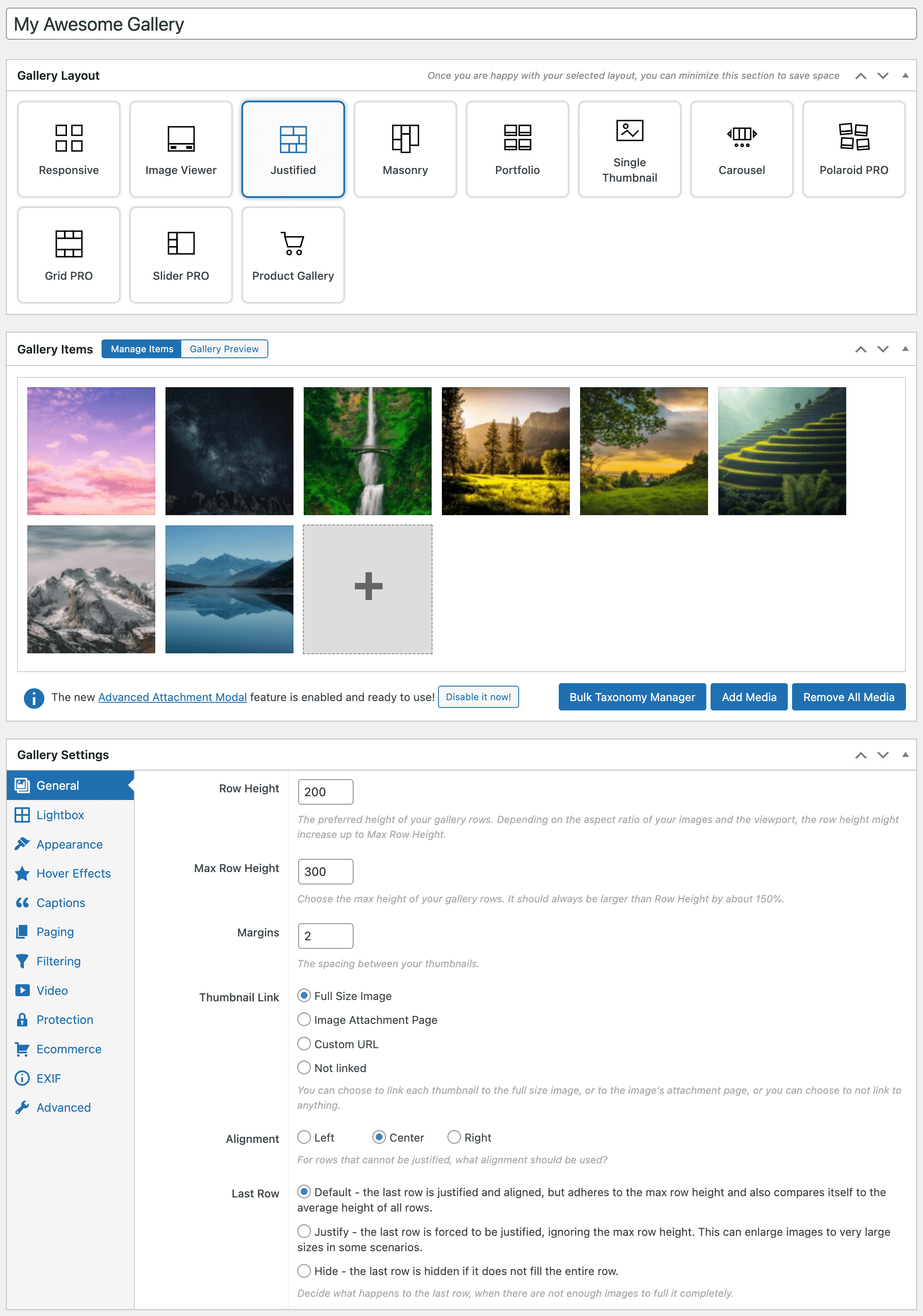
- 7 Beautiful Free Gallery layouts:
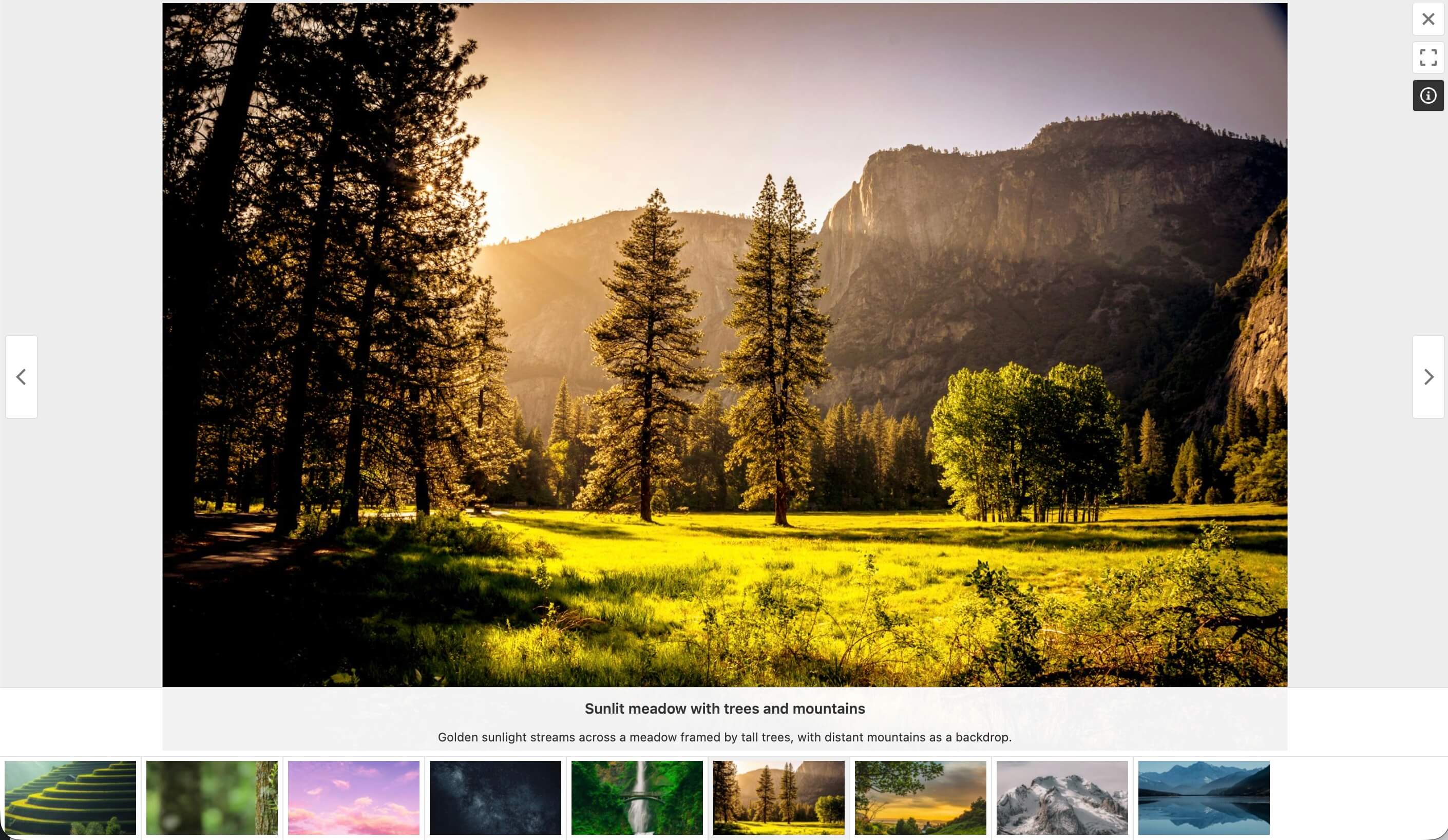
- Built-in Lightbox:
Adjust colors, transitions, and more with fullscreen, thumb strip, and auto progress controls. - Advanced Customization:
Control thumbnail sizes, spacing, hover effects, captions, and more! - Performance Optimized:
Lazy loading, pagination, and reduced layout shifts for fast loading times. - SEO-Ready:
ALT and title attributes, plus full integration with Yoast, Rank Math, and AIOSEO. - Albums built-in:
- Import / Export galleries between WP installs – docs
- Drag n Drop reordering of images and galleries
- Drag n Drop images into gallery to upload into gallery (and media library)
- Custom CSS for both galleries and albums
- One-click gallery page creation
- FooGallery Migrator – easily migrate from Envira / NextGen / Modula
- Multisite Support
- Password protected galleries
PRO Features
FooGallery PRO adds professional-level features and integrations for photographers, agencies, and eCommerce users.
PRO Starter Plan
Our PRO Starter plan is our most affordable plan and includes features that take your WordPress galleries to the next level! PRO Starter is mostly for photographers or website owners that want better-looking galleries and lightboxes.
- 4 additional gallery layouts:
- 11 hover effect presets – demo
- 12 CSS thumbnail filters (Instagram) – demo
PRO Expert Plan
Our PRO Expert plan unlocks exactly what you would expect – expert-level features! Our most popular plan is for professional photographers and website owners who want to invest in how their galleries look and work.
- Video Galleries:
Import from YouTube, Vimeo, or self-hosted sources demos - Filtering & Tagging:
Filter by Media Tags or Categories with multi-level filtering demos - Dynamic Galleries:
Load images from folders, Lightroom, Real Media Library, or posts. demos - Advanced Pagination:
Load More, Infinite Scroll, and Numbered pagination demos - Advanced Custom Captions
Create captions using placeholders & custom HTML demos - EXIF metadata
Showcase your photo metadata in the Lightbox demo - Bulk Copy
Easily copy gallery settings to other galleries more info
PRO Commerce Features
Our PRO Commerce plan is for the photographers who make a living from selling their photos online. We have integrated with WooCommerce, to bring you innovative tools to help you sell more with hardly any effort.
- WooCommerce integration:
Sell your photos or create dynamic product galleries more info - Image Protection:
Watermarking and no right-click options demo - Master Product Setup:
No more separate products for each image – link all your photos to a single master product.
Supports variations & file downloads. - Buttons and Ribbons
Add custom buttons and attention grabbing ribbons to your images. demo - Gallery Blueprints
Clone settings easily across galleries – docs
PRO Addons
We also have a collection of powerful add-ons available to enhance your gallery experience. All the Addons work with the FREE version too!
- User Uploads Addon:
Allow visitors to upload images into galleries. Includes image moderation, form field customization, email notifications and more. more info - Social Addon:
Allow your visitors to like, comment and share images to social networks. more info - Whitelabel:
Allow power users to rename or rebrand “FooGallery”, modify the shortcode, menu, and disable features. more info
How to Create a Photo Gallery in WordPress
- Install and activate FooGallery from the Plugins menu.
- Click Add Gallery and choose your layout.
- Upload or select images from your Media Library.
- Customize captions, hover effects, and lightbox settings.
- Publish and embed your gallery using a block or shortcode.
Integrations and Compatibility
- Works seamlessly in the Block Editor / Gutenberg.
- WooCommerce integration to sell photos online.
- Lightbox plugins : FooBox, dFactory.
- Page builders : Elementor.
- SEO Plugins: Yoast, Rank Math, AIOSEO.
- Caching Plugins: WP Rocket, W3 Total Cache, Autoptimize, WPOptimize.
- Media Tools: ShortPixel, Imagify, and Real Media Library.
- Others : Jetpack, Polylang.
Documentation