
Introduction
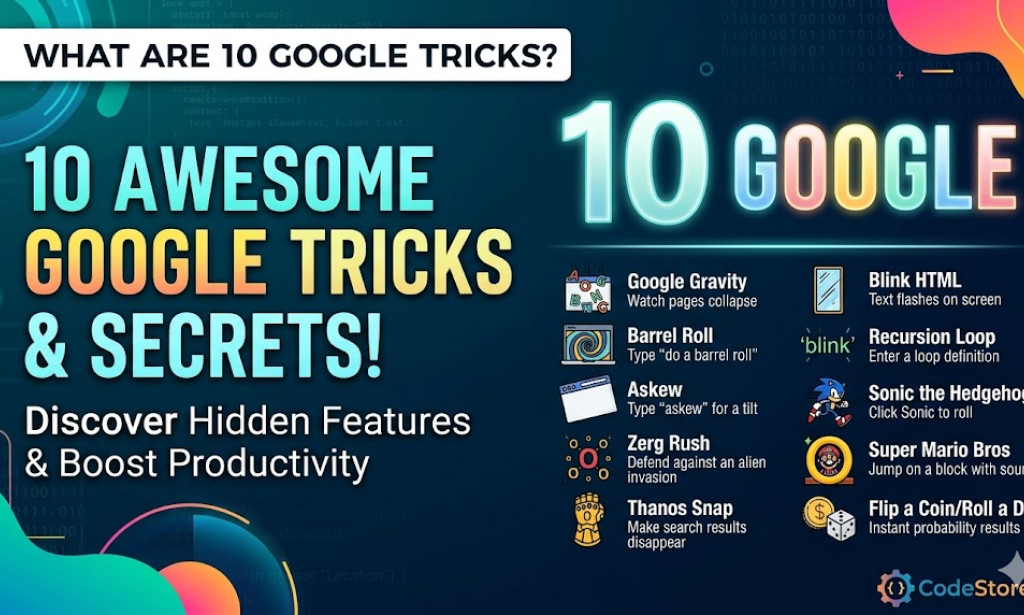
Most of us use Google dozens of times a day, but we usually only scratch the surface of what the search engine can actually do. Beyond finding websites, Google is packed with utility tools, games, and hidden visual effects known as 'Easter eggs.' Here are 10 Google tricks that you should try today.
1. Do a Barrel Roll
One of the most classic Google tricks is the 'barrel roll.' Simply type "do a barrel roll" into the search box and hit enter. The entire search results page will rotate 360 degrees, a fun homage to the Nintendo 64 game Star Fox 64.
2. Use the Built-in Timer and Stopwatch
No need to pull out your phone to time your laundry or a cooking session. Type "timer" or "stopwatch" into Google, and a clean, easy-to-use interface will appear at the top of the results. You can even set a specific time by searching for "timer for 10 minutes."
3. Roll a Die or Flip a Coin
Settling a bet or playing a board game and missing pieces? Search for "flip a coin" or "roll a die." Google will generate a randomized result for you. You can even choose different types of dice, such as 4-sided, 8-sided, or 20-sided dice.
4. The Scientific Calculator
Google is a powerful math tool. If you type any mathematical expression (like "sqrt(256) * 5") into the search bar, it will instantly provide the answer and open a full scientific calculator for further computations.
5. Unit and Currency Conversion
Google makes converting measurements incredibly simple. You can type queries like "50 miles to km" or "100 USD to EUR" to get real-time conversions. This works for weight, temperature, area, and even digital storage sizes.
6. Google Sky
If you want to explore the cosmos from your desk, search for "Google Sky." This feature allows you to browse through images of stars, constellations, galaxies, and planets captured by various satellites and telescopes.
7. Askew
For a subtle visual prank, type the word "askew" into Google. The entire results page will tilt slightly to the right, making it look like your monitor or the browser window is unbalanced.
8. Play Atari Breakout
While the original image search version has changed over the years, you can still find the hidden "Atari Breakout" game by searching for it and clicking on the Elgoog archive link. Your search results will turn into blocks that you can smash with a ball and paddle.
9. Flight Status Tracker
Instead of navigating through airline websites, you can simply type a flight number (e.g., "AA123") into the search bar. Google will provide real-time updates on the flight's status, including departure times, arrival gates, and any delays.
10. The Offline Dinosaur Game
If you lose your internet connection while using the Chrome browser, you aren't completely out of luck. Press the spacebar on the 'No Internet' screen to launch a hidden side-scrolling game where you control a T-Rex jumping over obstacles. It is the perfect way to pass the time until your Wi-Fi returns.
Conclusion
Google is far more than a simple search engine; it is a versatile toolkit designed to make your digital life easier and more enjoyable. Whether you are performing complex calculations or just looking for a quick distraction, these ten tricks are just the beginning of what Google has to offer.
You must be logged in to post a comment.